















Paste anywhere
Images, text, code, colors and files. Just open an app and paste.
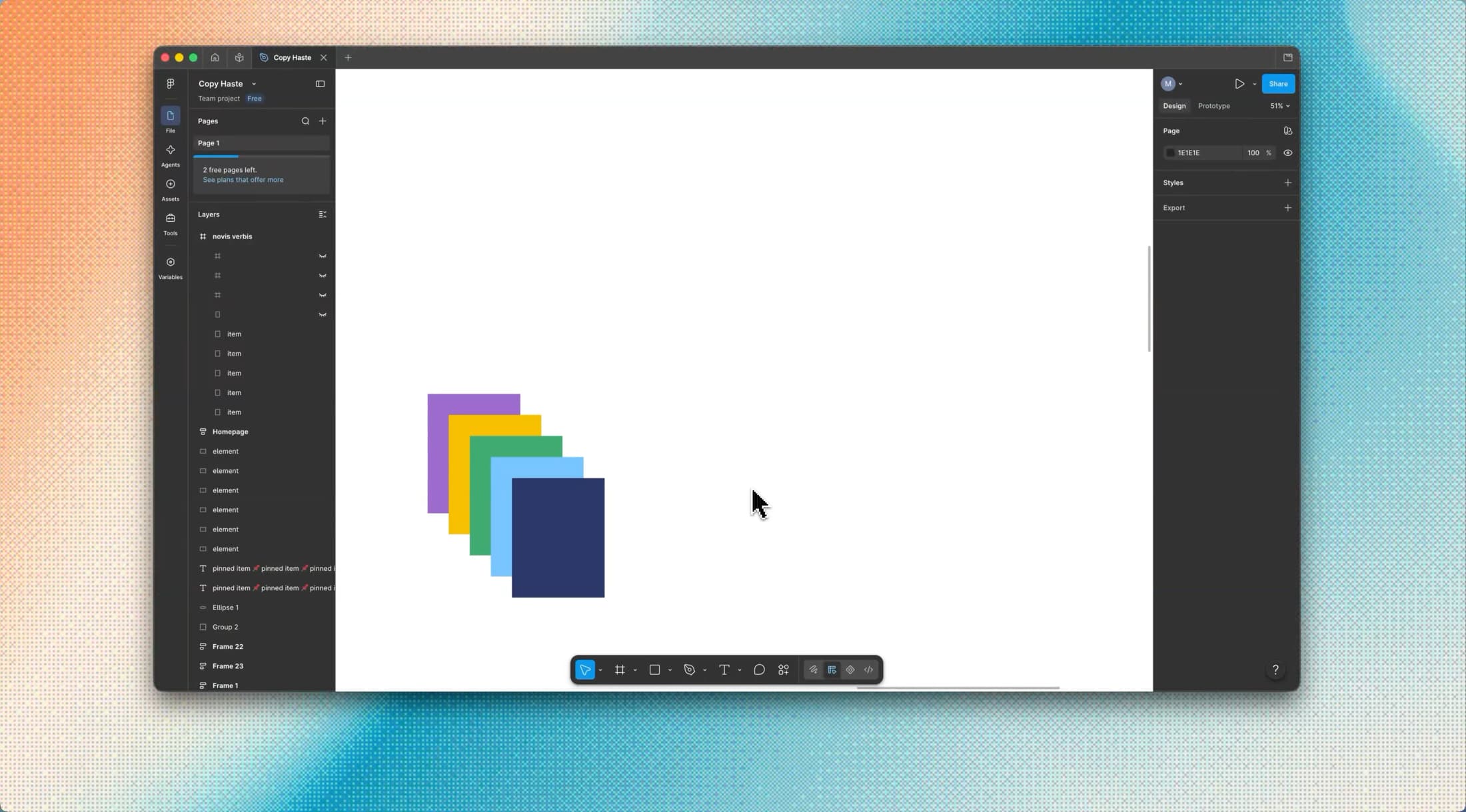
Code detection
Copy a snippet in one of the 50+ supported programming languages and it will be highlighted and placed in the Code column.
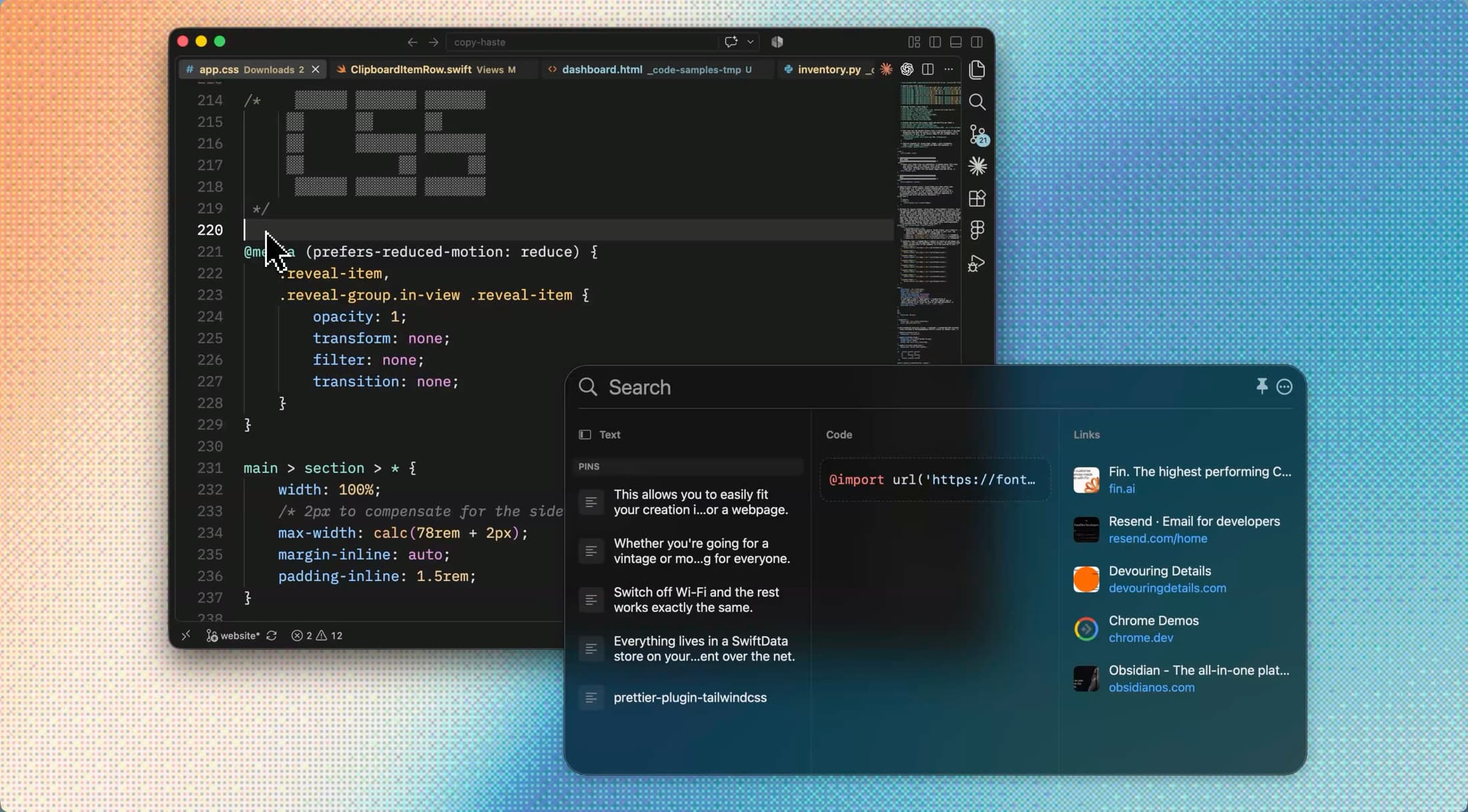
Color formats
Detects 20+ color formats such as RGB, HSL, LCH, Lab, Oklch, Oklab, CMYK, even UIColor, NSColor and SwiftUI Color().
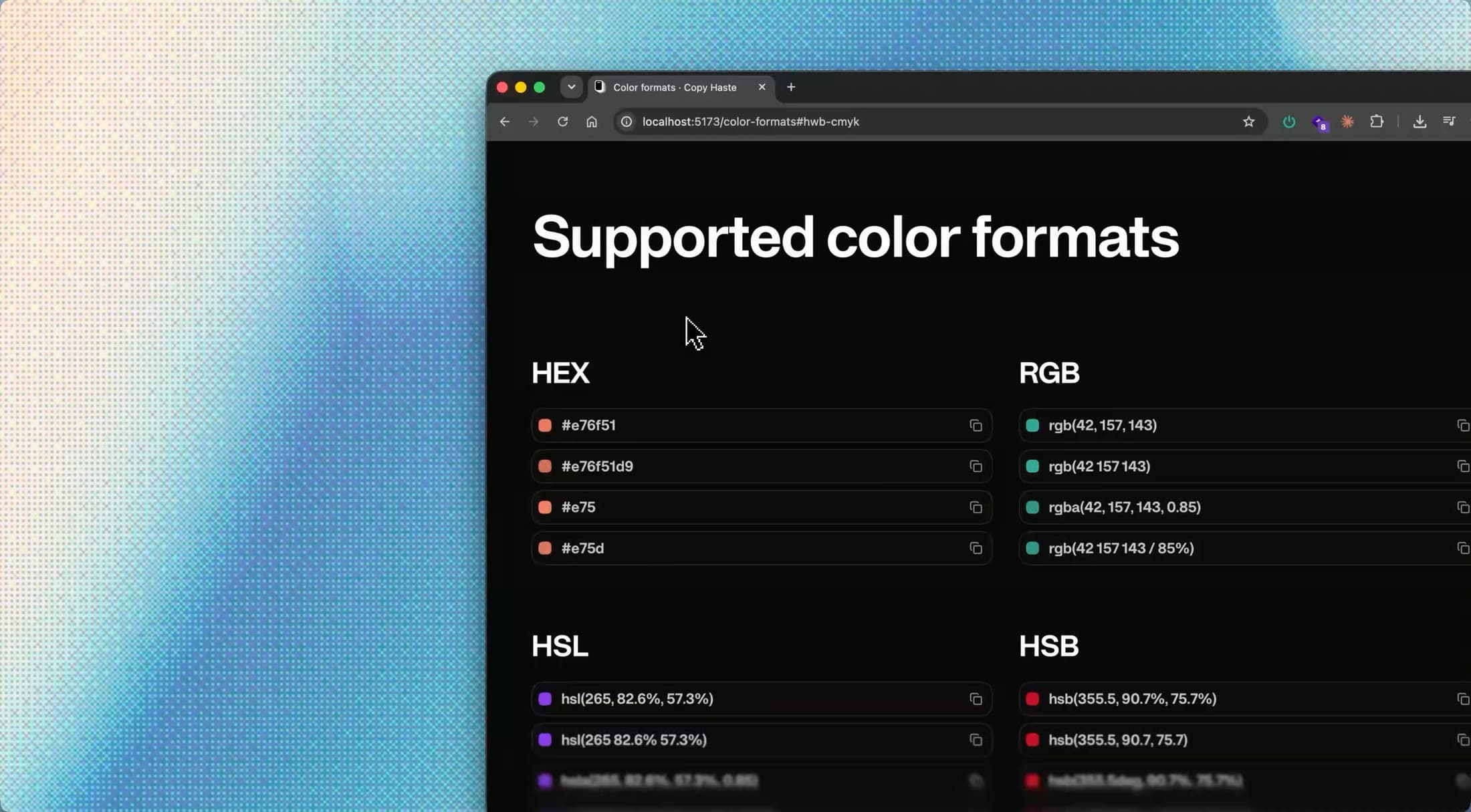
Files
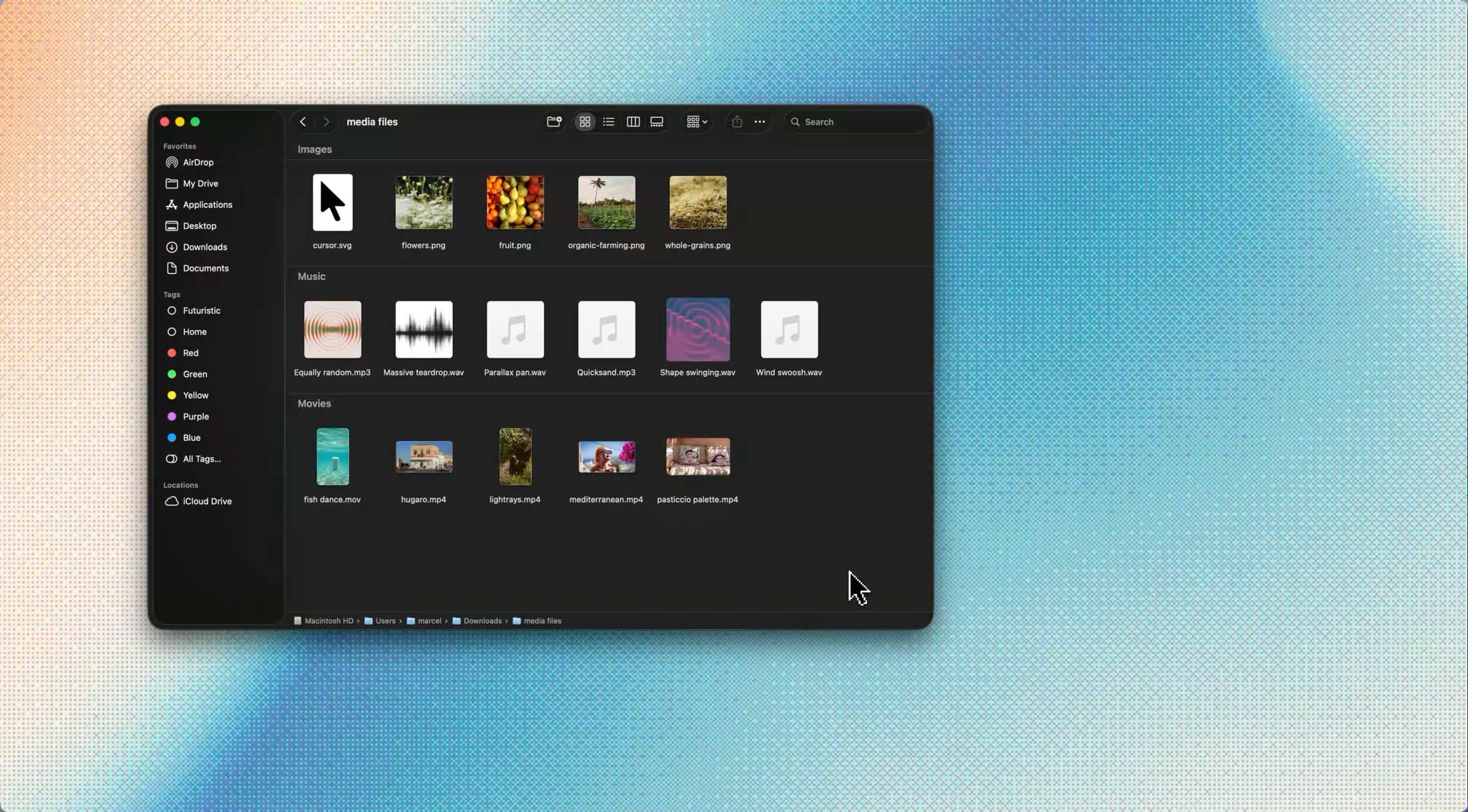
Copy one file, multiple files or a whole folder and the app keeps the selection as a single item.
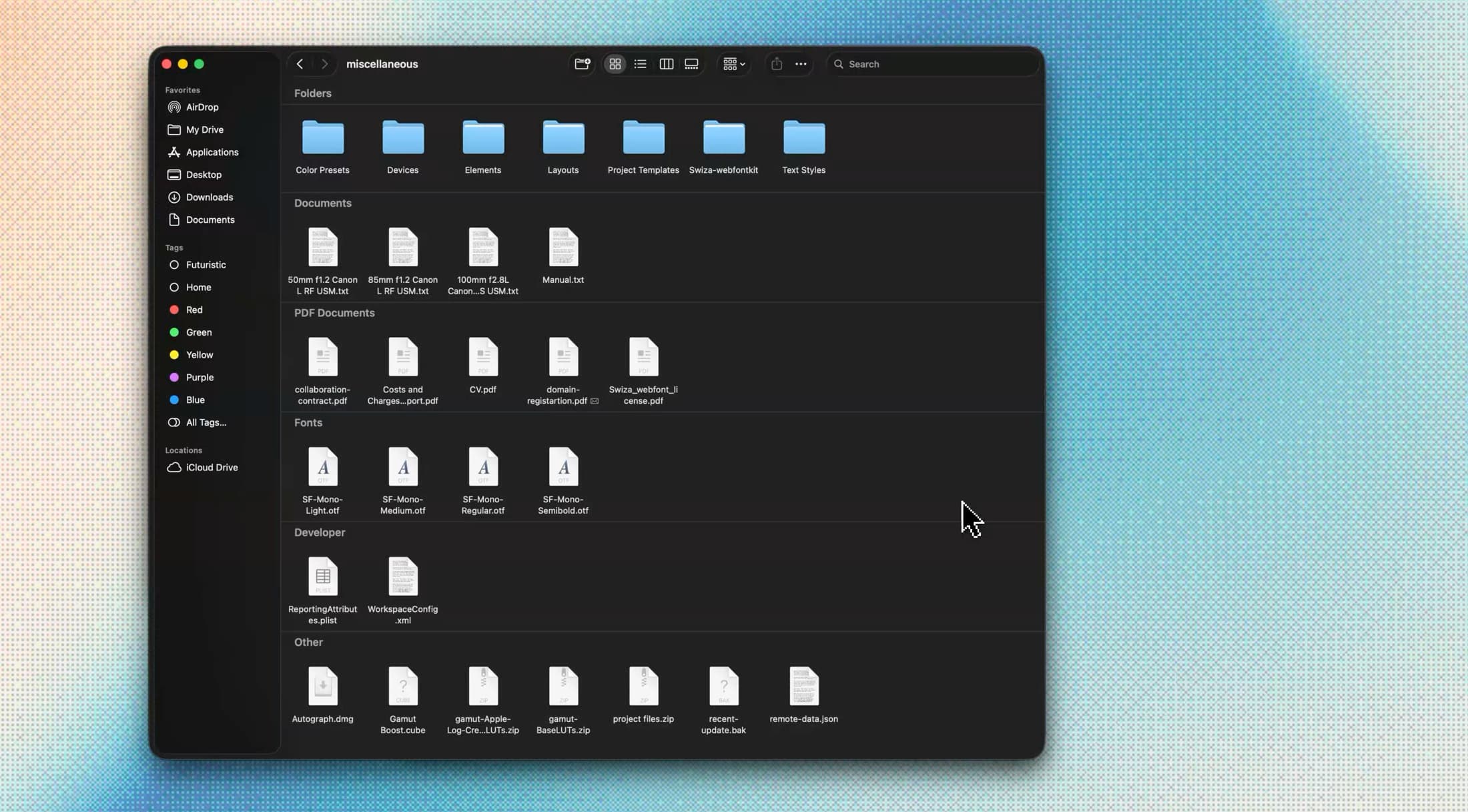
Media
Image, video and audio files are automatically added to the Media column. Paste or drop them wherever you need.
Additional features
Worthy mentions
No adult content or passwords
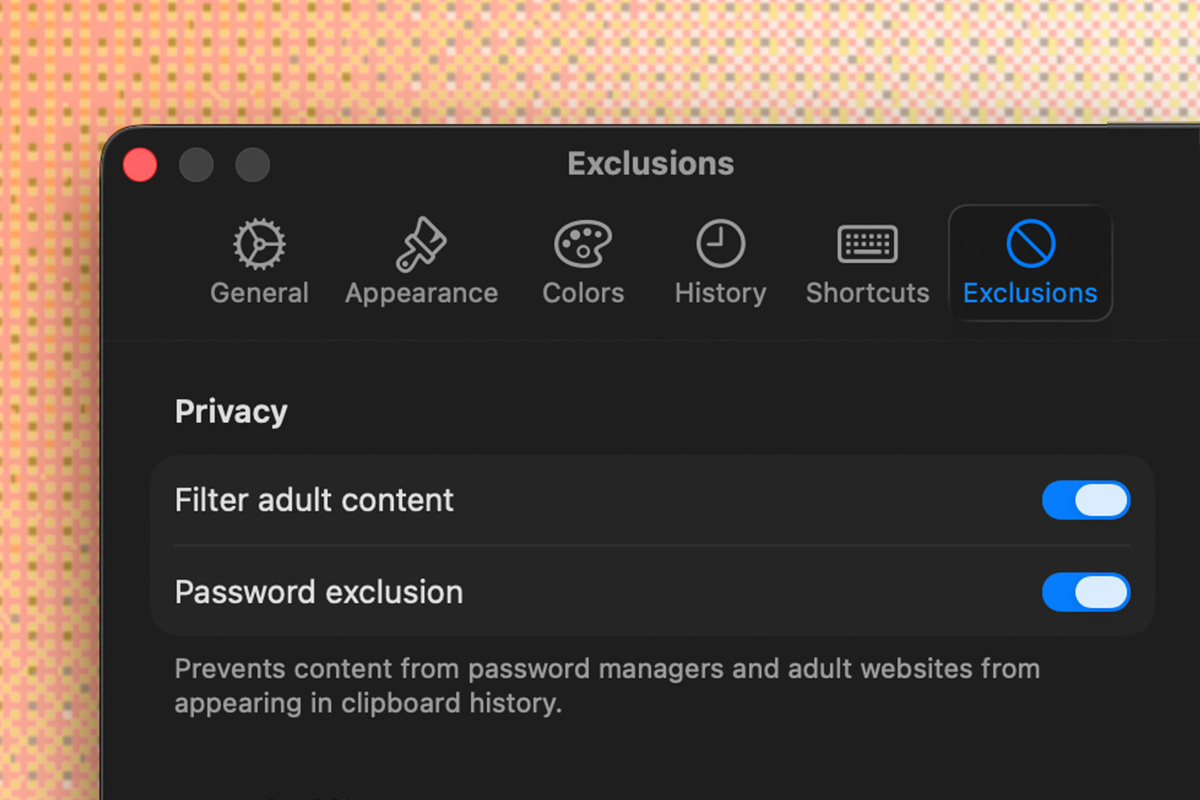
Keep sensitive stuff out of the clipboard. Links, passwords and specific URLs.
Shortcuts
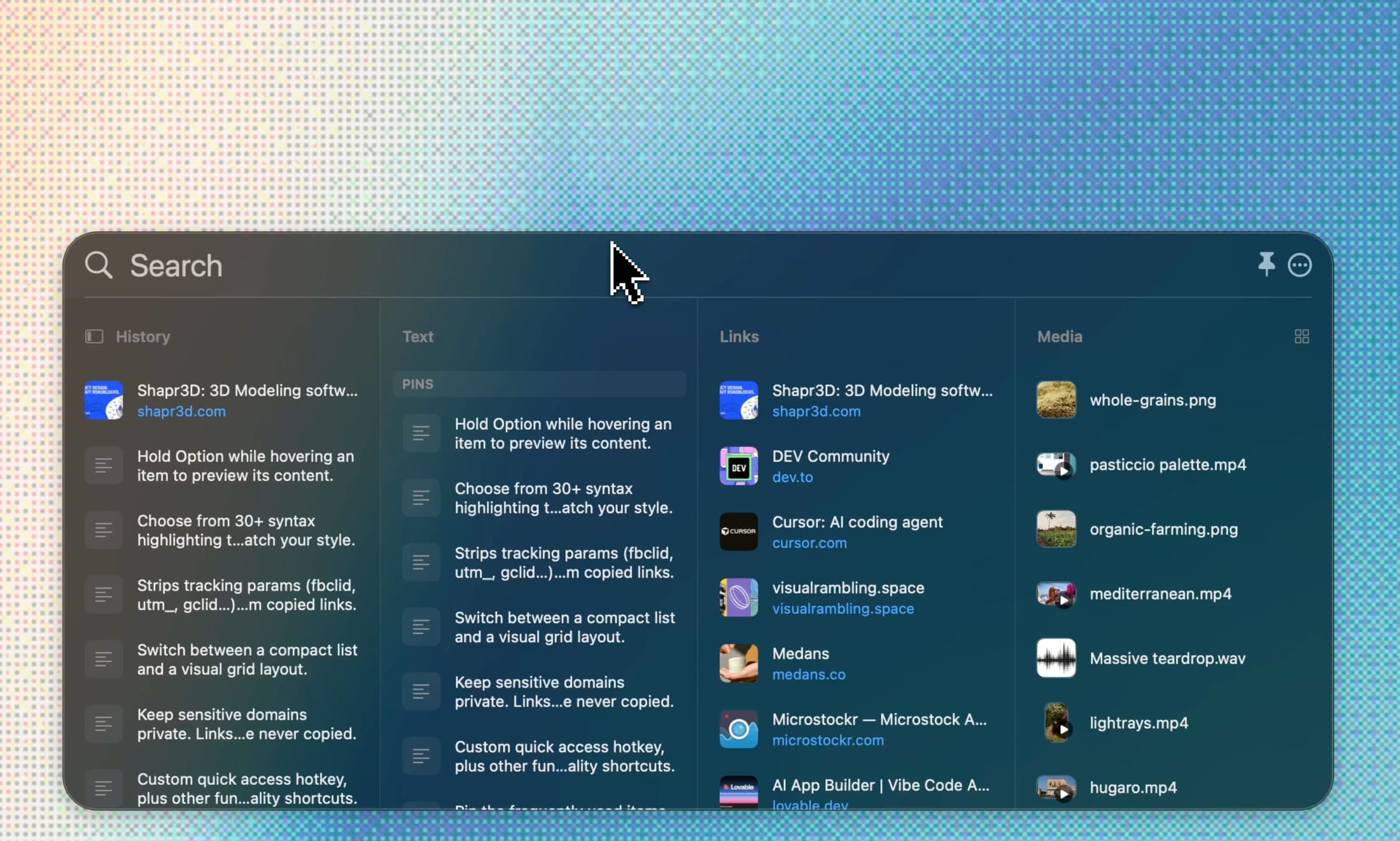
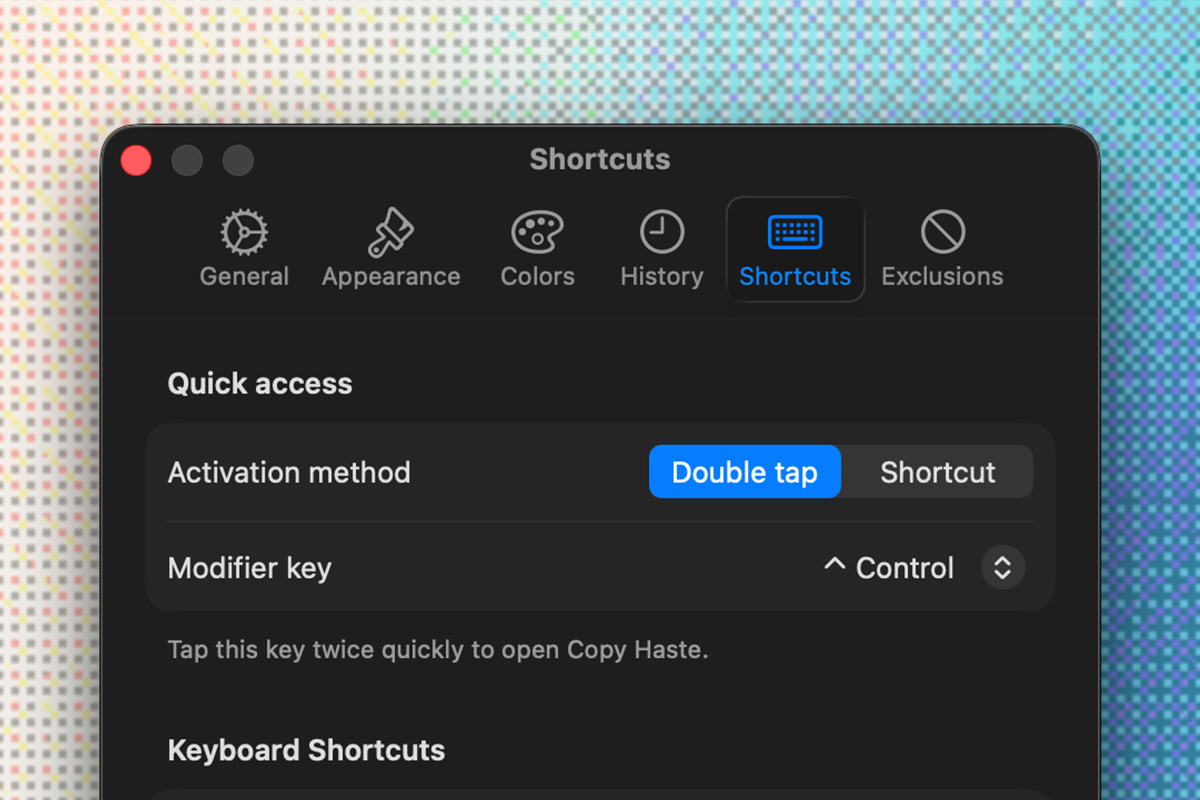
Custom quick access hotkey, plus other functionality shortcuts.
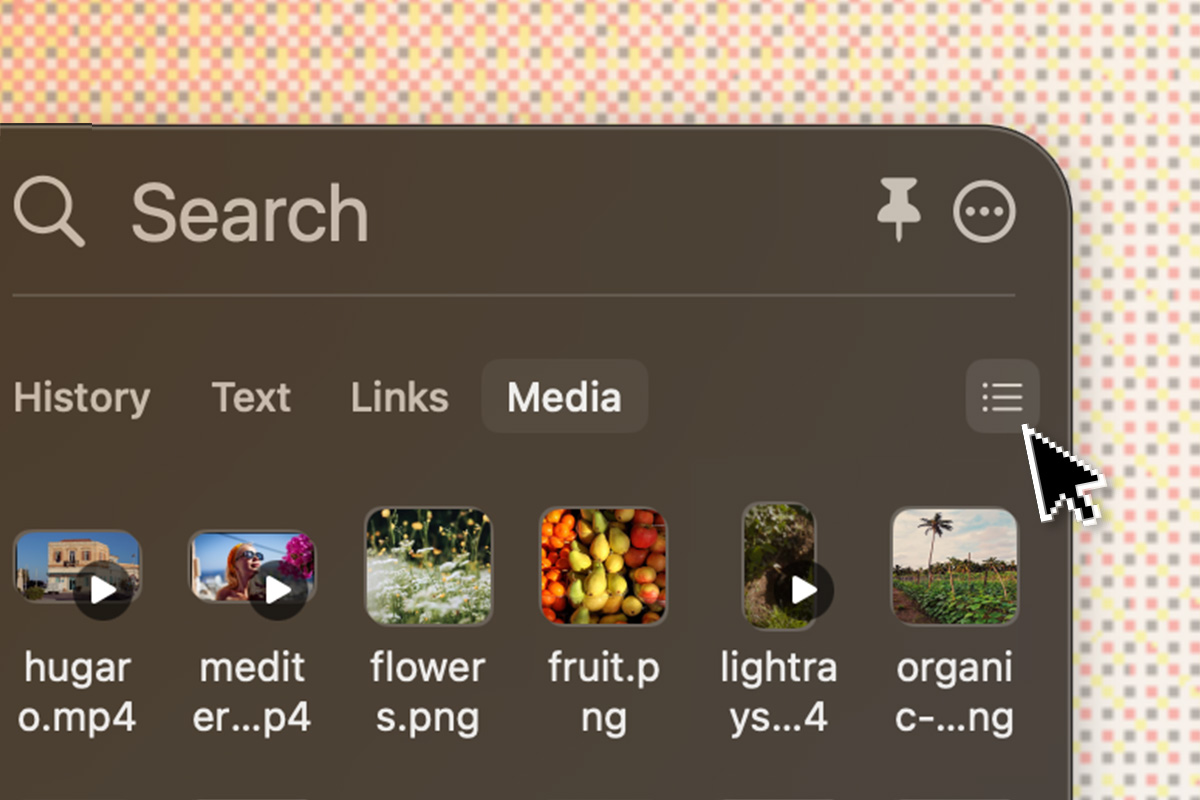
List / Grid view
Switch between a compact list and a visual grid layout.
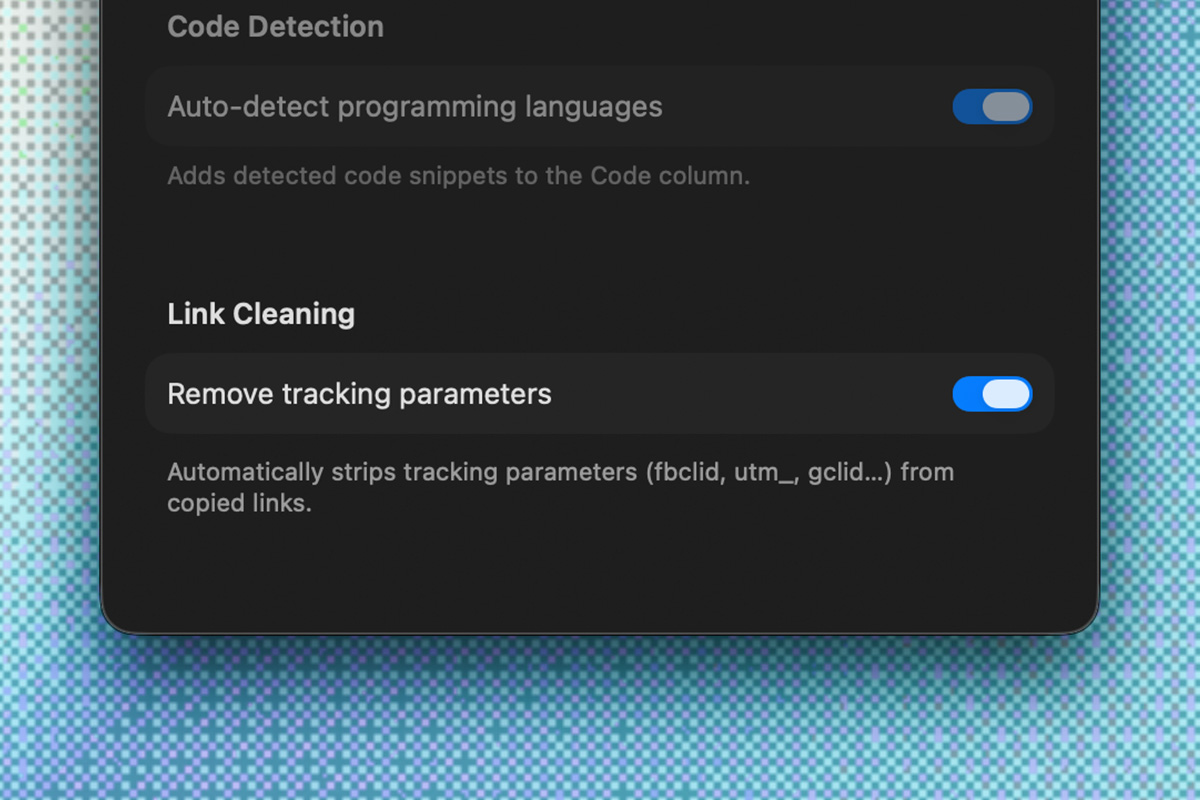
Link cleaning
Strips tracking params (fbclid, utm_, gclid…) from copied links.
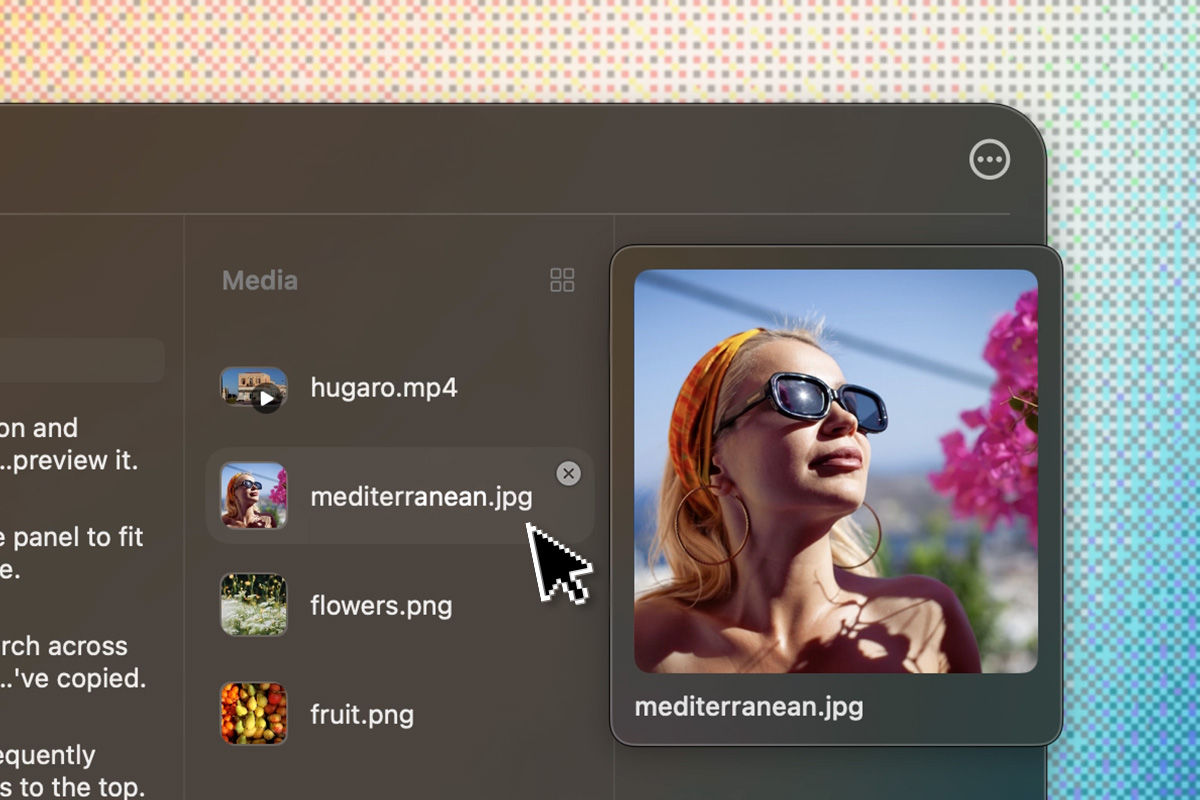
Item preview
Hold Option ⌥ while hovering an item to preview its content.
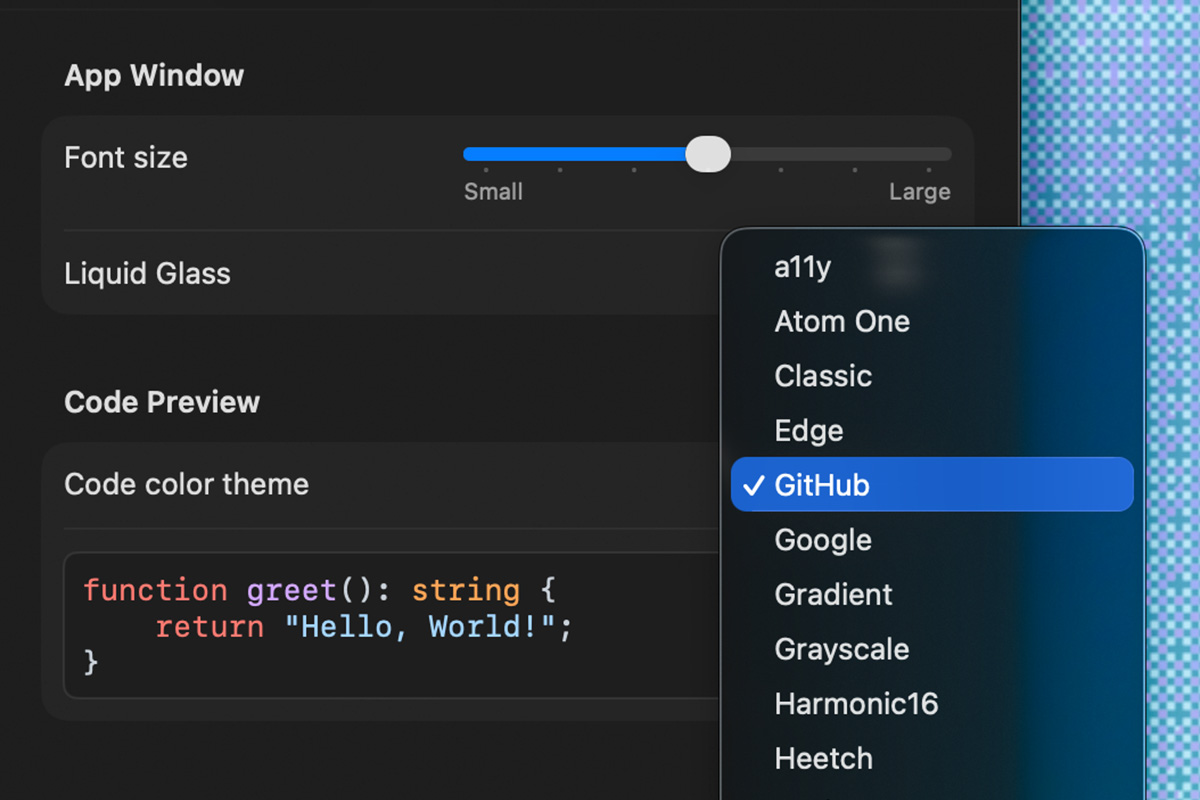
Code themes
Choose from 30+ syntax highlighting themes to match your style.
Privacy by default
No cloud, your clipboard stays on your machine.
Local-first
Everything lives in a SwiftData store on your Mac, never sent over the net.
Passwords filtered (Premium)
1Password, Bitwarden, LastPass and other password apps are ignored. Included in your 30-day trial.
Adult content filter
A filter keeps adult websites out of your history by default, for links from Chrome-based browsers.
Pay once. Yours forever.
Try every feature free for 30 days, then unlock the premium ones if you find them useful.
Free
Everything you need to get going.
- Up to 50 clipboard items
- Code as text
- Hex and RGB colors
- Copy any URL
- All file types in one column
- Adult content URL filter*
Premium
Everything in Free, plus:
- Up to 200 clipboard items
- Dedicated Code column
- All color formats (HSL, OKLCH, LCH, CMYK)
- Exclude sensitive URLs
- Dedicated Media column
- Password filter
* Chrome-based browsers only (Chrome, Edge, Brave, Arc). Safari and Firefox aren't supported.
Unlock premium later, once, from inside the app.
FAQ
Report a bug or request a feature. contact@copyhaste.app